In February 2008 the Dropbox homepage lived at getdropbox.com and fit on one screen. It said Storage made simple.
Under that came the whole pitch in three short sentences: Dropbox lets you get to your important files from any of your PCs or the web. No more e-mail attachments or USB drives. It just works.
Then a box in the middle of the page admitted We haven't launched yet
and asked for an e-mail address.
Scrub through the captures with the slider, or read on.
This is the story of Dropbox’s homepage from 2007 to 2026, told through 20 captures, one per year. The thread through them is a product you can’t see. A folder that syncs by itself is hard to put on a homepage, so the page kept changing how it explained it: a play button labeled Watch a Video
from 2009 to 2012, drawings of laptops and phones from 2013, photos of hands on keyboards from 2017, and, by June 2026, a line that reads AI is coming to Dropbox
. The logo changed along the way too, from an open blue box to a set of flat shapes.
2007 – 2008 We haven't launched yet
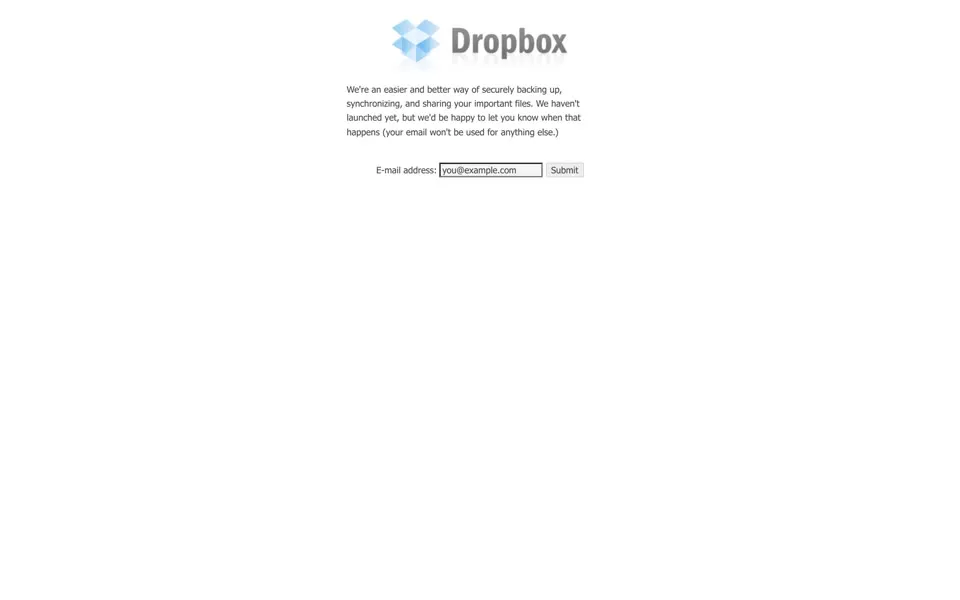
Our March 2007 capture of getdropbox.com is one paragraph and a form. The browser tab says Dropbox - Dropbox
. The paragraph says We're an easier and better way of securely backing up, synchronizing, and sharing your important files.
It promises that your email won't be used for anything else.
Above it sit a faded blue box and a gray Dropbox wordmark.
The USB drives in that pitch were personal. In the launch post of September 2008, founder Drew Houston wrote that he started the code in November 2006 at Boston’s South Station, waiting for a bus to New York: I had forgotten my USB drive at home and was frustrated that I couldn't get any "real work" done.
[1]
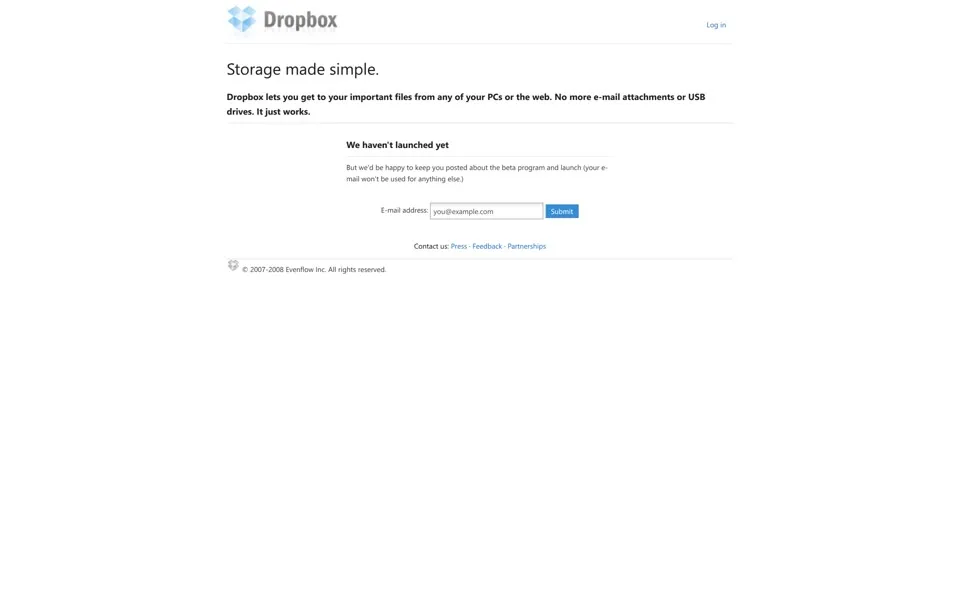
The February 2008 page shows a Log in link at the top; its code holds a log-in form and a Tell us what you think
feedback form. The small print at the bottom reads © 2007-2008 Evenflow Inc.
That was the company’s legal name: it was incorporated in May 2007 as Evenflow, Inc. and became Dropbox, Inc. only in October 2009.[2]
When Dropbox opened to the public on September 11, 2008, nearly 200,000 people were on the waiting list, and the launch post promised that the free 2GB accounts will always be free
.[1]
But we'd be happy to keep you posted about the beta program and launch (your e-mail won't be used for anything else.)
2009 Watch a Video
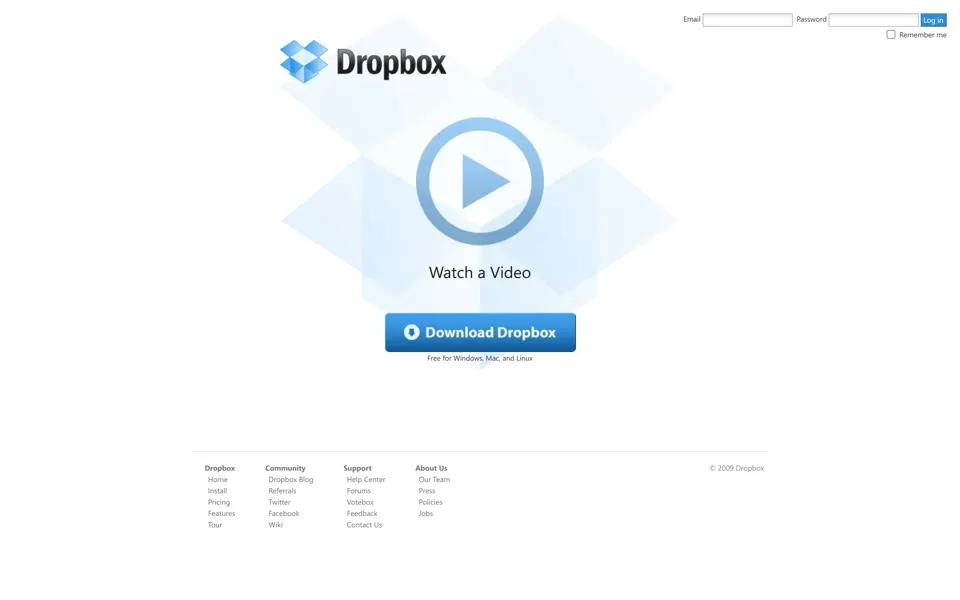
By December 2009 the homepage is at dropbox.com. TechCrunch reported on October 13, 2009 that Dropbox had acquired the address, which at that point still redirected to GetDropbox.com (reported).[3] It is the same month the company took the name Dropbox, Inc.[2]
The December 2009 page has very little on it. A glossy blue open box and a dark wordmark sit at the top, and pale box shapes fill the space behind a large round play button labeled Watch a Video
. Under it are one blue button, Download Dropbox
, and one line: Free for Windows, Mac, and Linux
. The feature list (Sync files of any size or type
, Track and undo changes to files
) is in the page’s code but not on the first screen. The footer lists Pricing, Votebox, Wiki and Jobs.
A video had worked for Dropbox before. In an October 2011 TechCrunch article, Eric Ries quoted Houston saying a demo video took the beta waiting list from 5,000 people to 75,000 people literally overnight
(reported).[4] The homepage now led with one.
2010 – 2011 Simplify your life
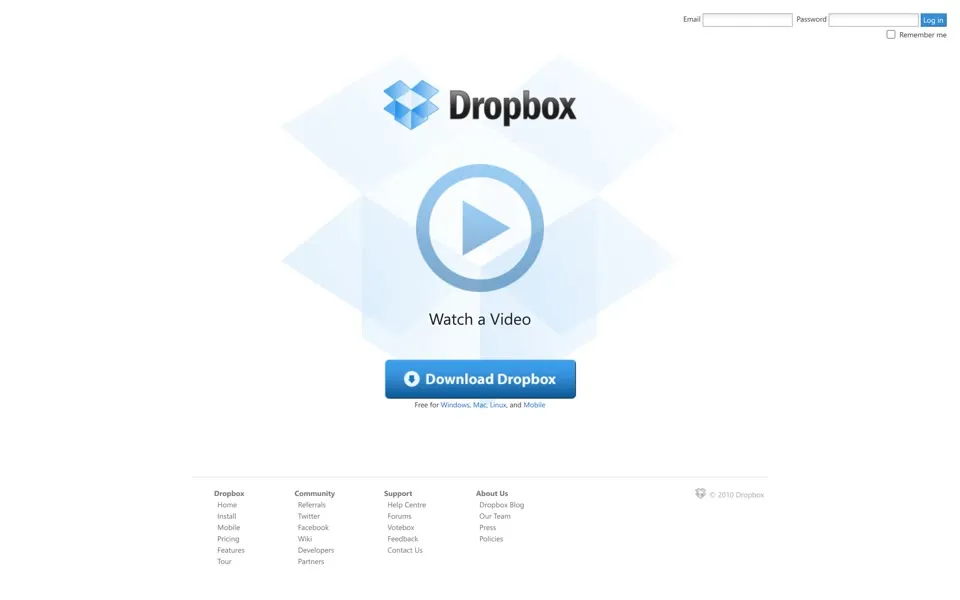
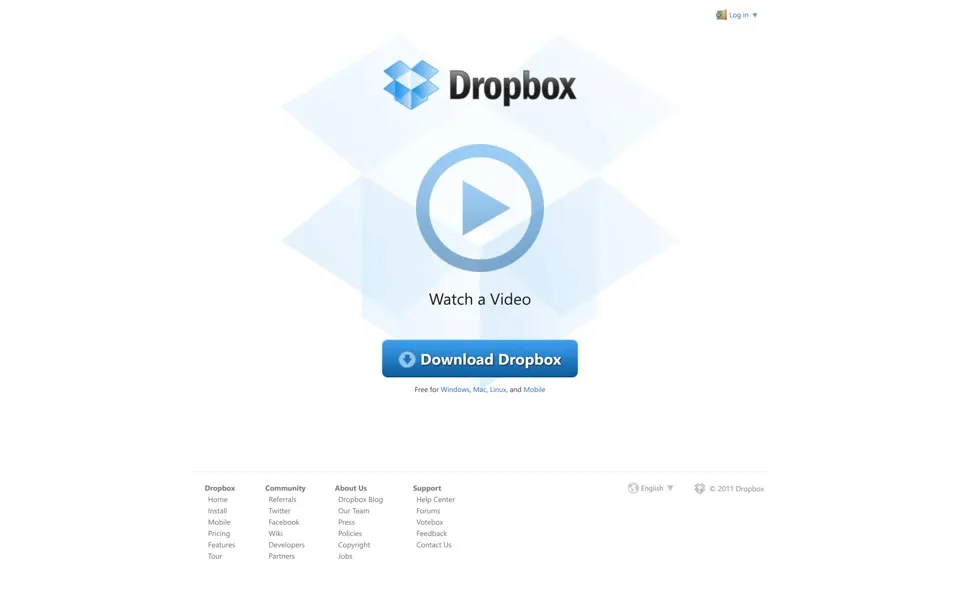
For three more Junes the play button stays in the middle of the page. The small changes are in the text around it. In 2010 the line under the button grows to Free for Windows, Mac, Linux, and Mobile
. In 2011 the browser tab changes from Online backup, file sync and sharing made easy
to Dropbox - Simplify your life
, and a language selector appears in the footer.
The June 2011 code also holds a form for reporting bad translations: Please paste or type the improper translation
, then boxes for Original English text
and Suggested translation
.
Three days after that capture, on June 19, 2011, a code update broke Dropbox’s log-in check. For almost four hours, from 1:54 to 5:46 p.m. Pacific, some of the people who logged in could have logged into an account without the correct password
. Dropbox said much less than 1 percent of users logged in during that window, and it ended every logged-in session afterwards.[5]
2012 Your browser is out of date
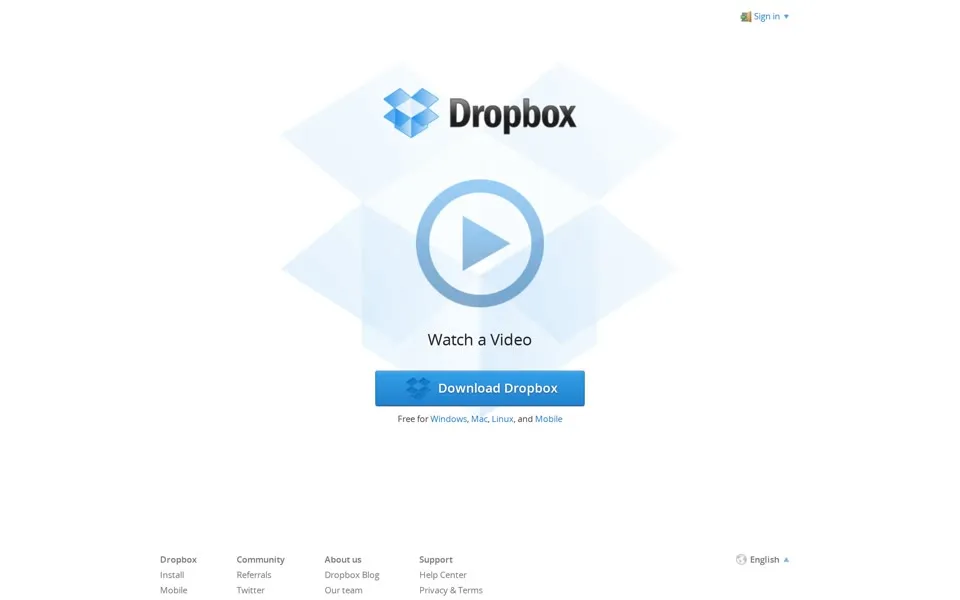
The June 2012 capture keeps the same centered play button, and the code of its footer language menu lists six languages: English, Español, Français, Deutsch, 日本語 and 한국어. The code carries a warning for old browsers, Did you know that your browser is out of date?
Dropbox also paid in storage for solving puzzles. Its first Dropquest, wrapped up on the company blog in January 2011, was a magical scavenger hunt that sent our users across Dropbox and the interwebs in order to win 1GB of space
. The organizers promised the next one would skip any steps that require a printer
.[6] In May 2012 the grand prize of Dropquest II included 100 GB for life
and an invitation to help write the next game.[7] None of our captures mentions either game.
2013 – 2014 Your stuff, anywhere
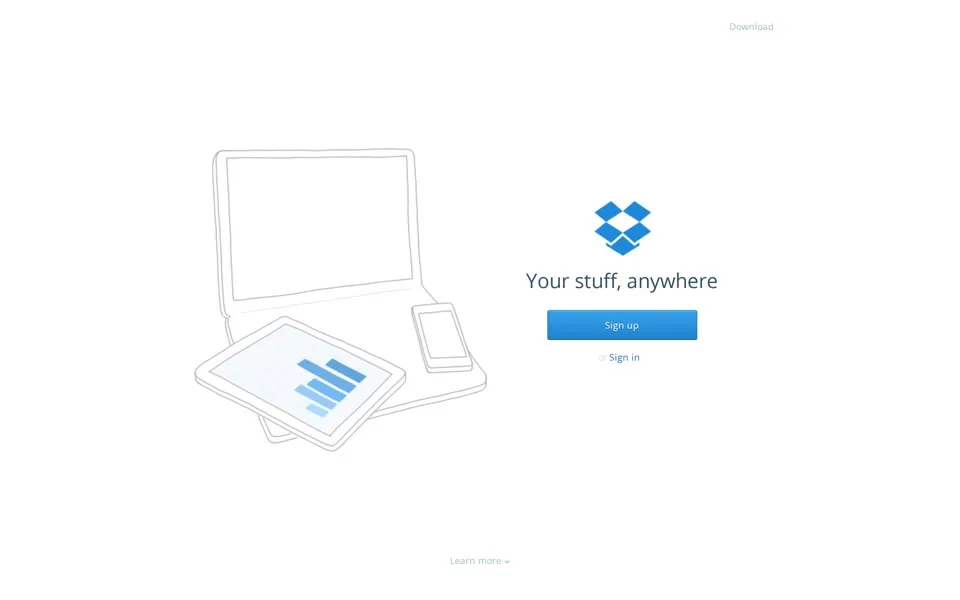
The June 2013 homepage drops the video. A laptop, a tablet and a phone, drawn in thin gray lines, fill the left half. On the right is the blue box icon with no word next to it, then Your stuff, anywhere
and a Sign up button. The browser tab is now just Dropbox
.
Scroll down and the page explains itself in four short sections: Wherever you are
, Share with confidence
, Safe and secure
and Dropbox for Business
. The language menu in the code has grown to 15 entries, Polski and Bahasa Malaysia among them.
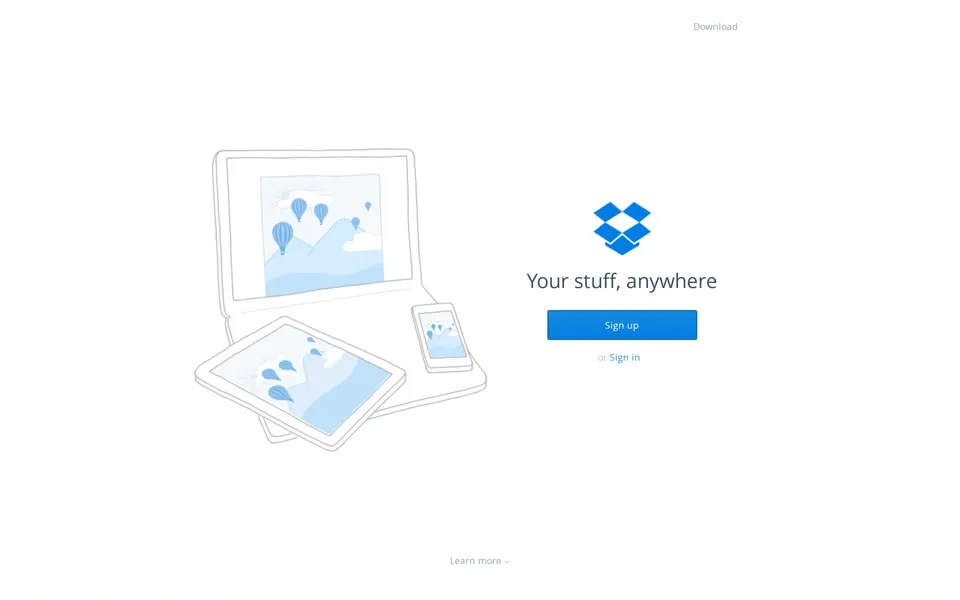
The June 2014 page keeps the layout and adds small blue pictures to the screens in the drawing. Its language menu has 21 entries, and six of them carry a [Beta]
tag, Dansk and ไทย among them. The code also holds the screens for two-step log-in: We sent a code to your phone number ending in
, a Trust this computer
checkbox, and a link for the worst case, I lost my phone
.
2015 – 2016 Good things happen when your stuff lives here
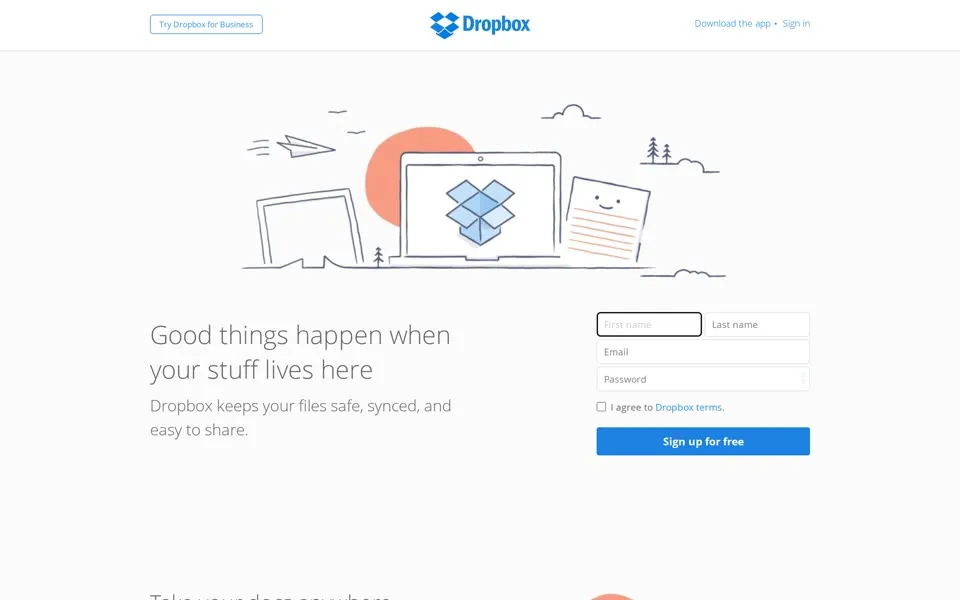
Our June 2015 capture opens with a colorful cartoon. A hand-drawn laptop with the Dropbox box on its screen sits in front of an orange sun, between a paper plane, pine trees and a sheet of paper with a smiling face. The top bar now carries a flat blue box next to a flat blue wordmark. The headline says Good things happen when your stuff lives here
, and for the first time in our captures the sign-up form itself is on the first screen: name, e-mail, password, Sign up for free
.
The password field came with advice, kept in the code: Good passwords are hard to guess. Use uncommon words or inside jokes, non-standard uPPercasing, creative spelllling, and non-obvious numbers and symbols
.
Use uncommon words or inside jokes, non-standard uPPercasing, creative spelllling, and non-obvious numbers and symbols
Nine days after this capture, on June 24, 2015, Dropbox announced that 400 million people around the world are using Dropbox
.[8]
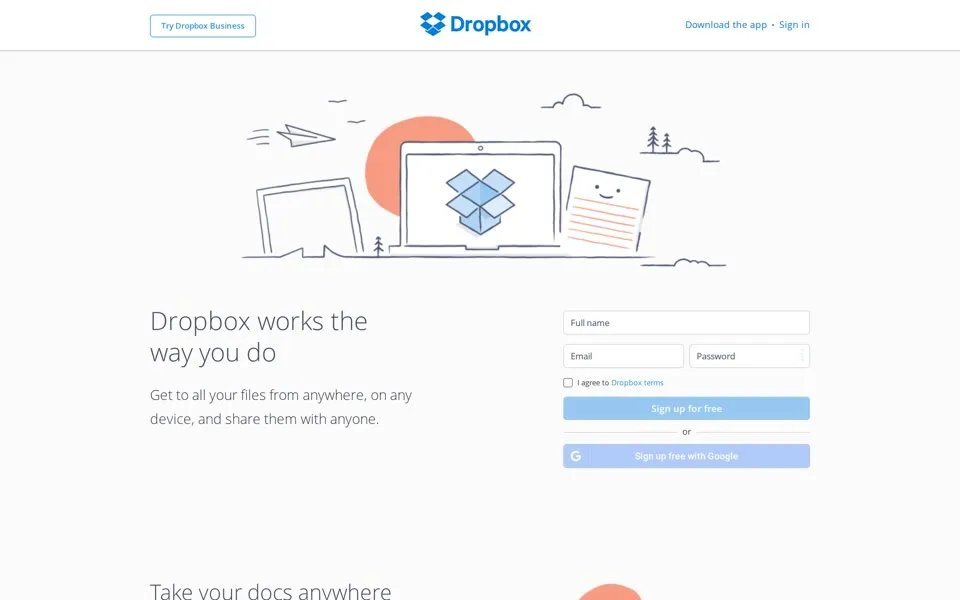
The June 2016 page reuses the drawing under a new headline, Dropbox works the way you do
. The form gains a second button, Sign up free with Google
, and the code adds a prompt for hardware keys: Insert your security key to use it
.
2017 – 2019 Boost productivity with Dropbox Business
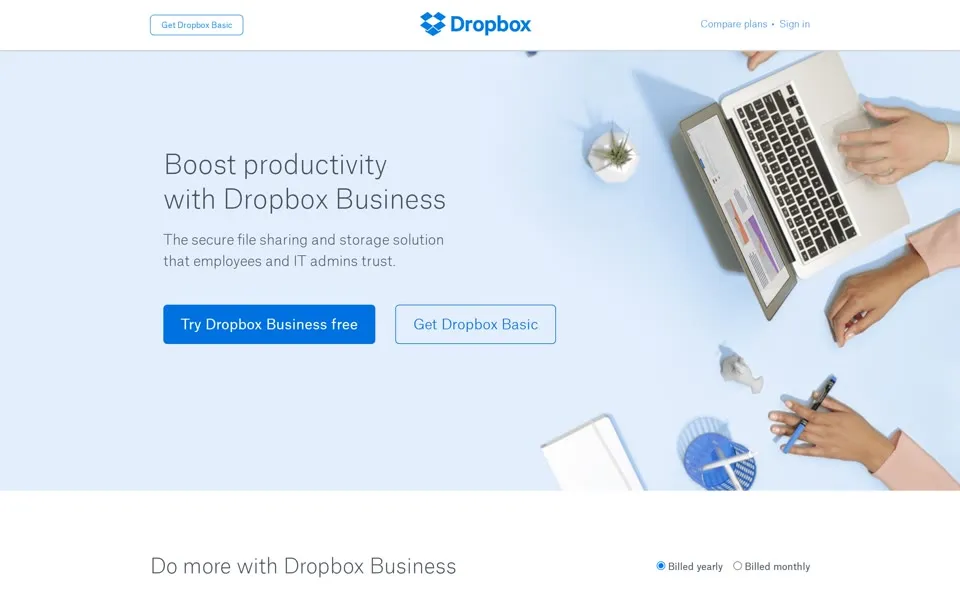
In June 2017 the drawings are gone. The browser tab says Dropbox Business
, and the homepage opens on a photo shot from above: hands on a laptop, a pen and a small plant on a pale blue desk. The headline is Boost productivity with Dropbox Business
. The price table below it shows Standard at $12.50 and Advanced at $20 per user per month, billed yearly and starting at three users. The code of a customer slideshow names Yahoo, IDEO, National Geographic, Kayak, Under-Armour, MacMillan, Hyatt and News Corp.
On October 3, 2017 Dropbox announced the biggest change to the Dropbox look in our 10-year history
. Its head of design said the logo had evolved it from a literal box, to a collection of surfaces
.[9] TechCrunch reported that the redesign dropped the whimsical colored pencil drawings (e.g. dinosaurs traipsing through the snow)
of the company’s longtime creative director Jon Ying (reported).[10]
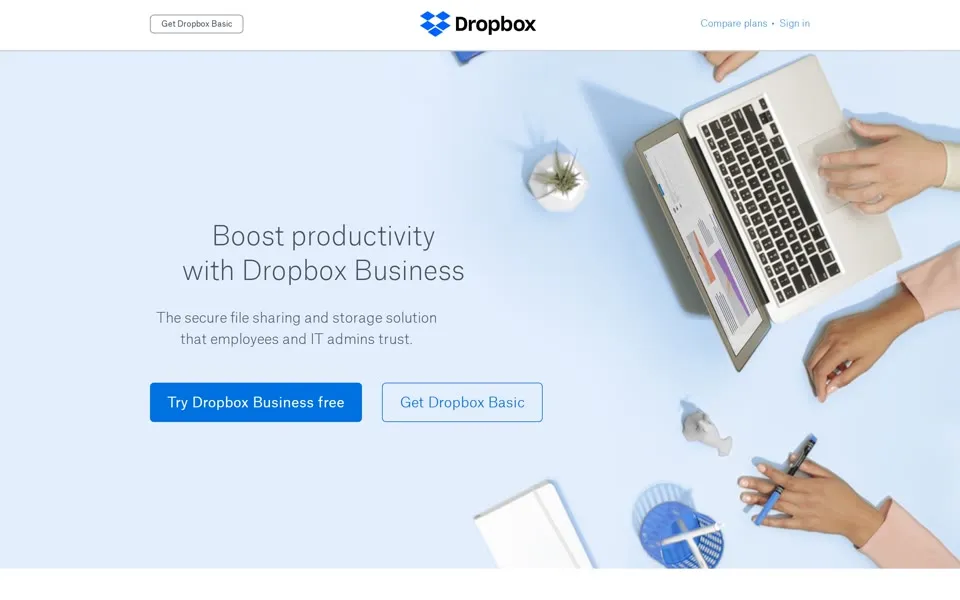
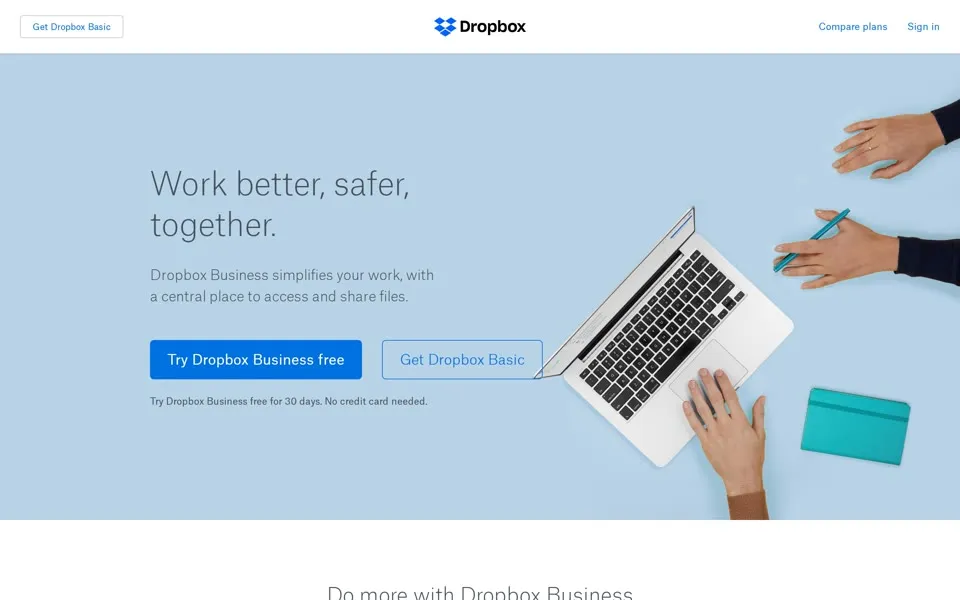
The homepage took its time. Our June 2018 capture has the new logo in the top bar, a shape made of blue diamonds next to a black wordmark, but the same headline and the same desk photo as a year earlier. In June 2019 the photo changes and the headline becomes Work better, safer, together.
Both pages still lead with a Dropbox Business trial button.
2020 – 2021 All in one place
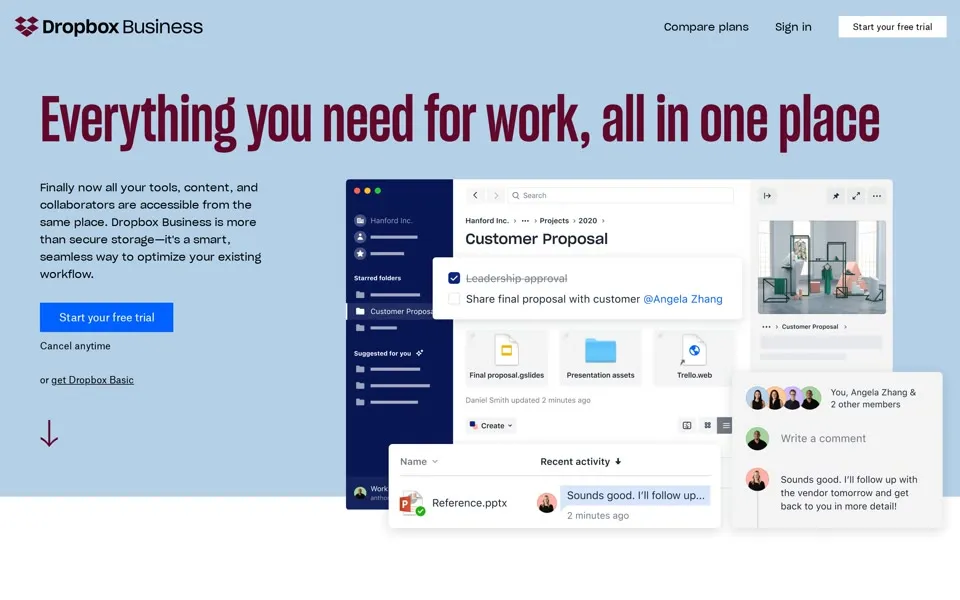
The June 2020 capture is the first one that looks like the 2017 announcement. The headline runs across the top in tall, narrow letters: Everything you need for work, all in one place
. Below it is a mock-up of the product: a folder with a Customer Proposal
, comments and a recent-activity list. The browser tab again says Dropbox Business
, as it did in 2017.
When Dropbox filed to go public in February 2018 it reported more than 500 million registered users across 180 countries
.[2] No headline in our captures had carried a user count yet.
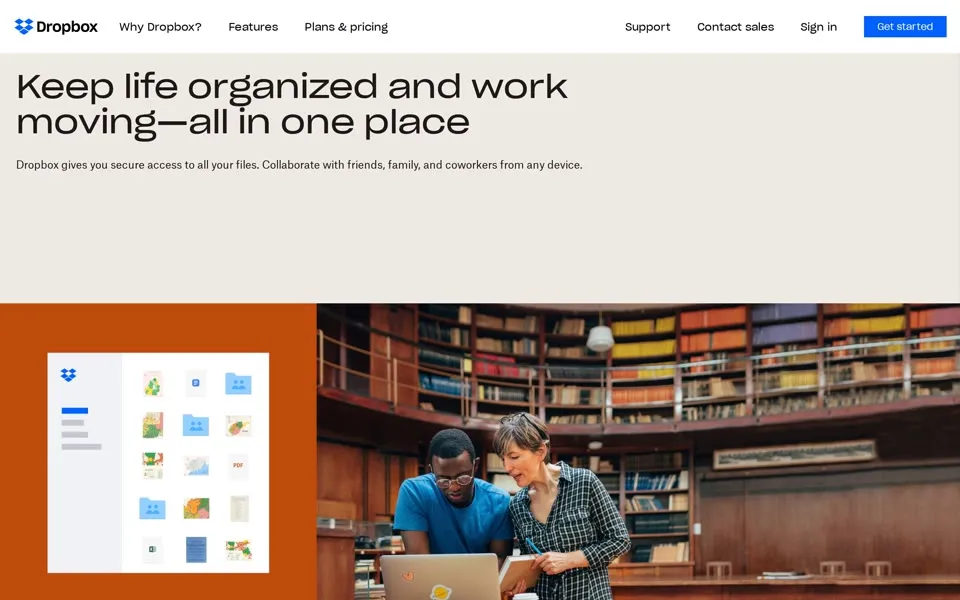
Our March 2021 capture turns to people again. A photo of two people at a laptop in a library sits next to an orange panel with the app, under a headline that starts Keep life organized and work moving
and ends all in one place
. That phrase has now closed two headlines in a row. The code of the page’s closed menus lists a sales phone number, 1 (855) 237-6726
, and separate pages for Personal, Family, Freelancers and Teams.
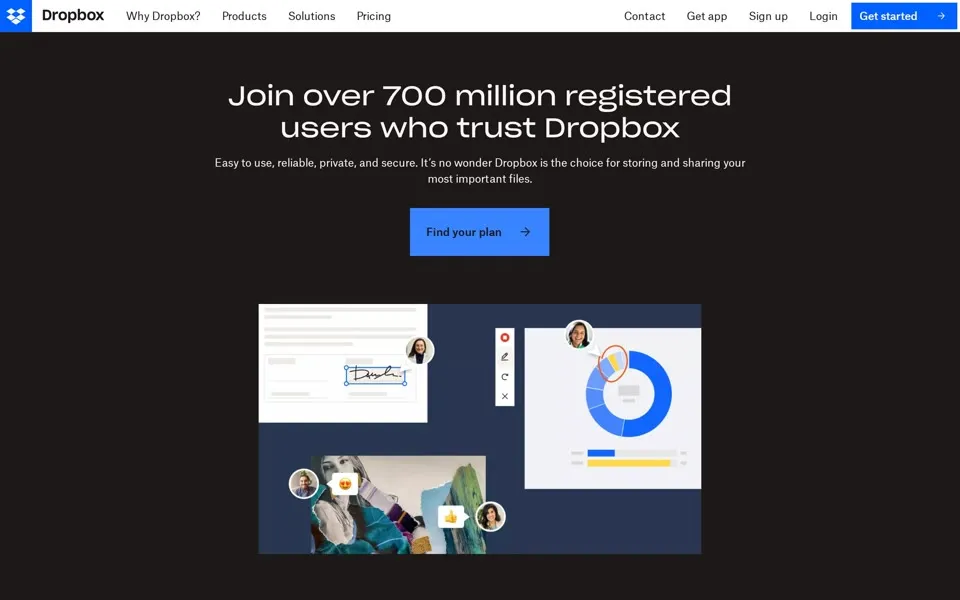
2022 – 2024 Join over 700 million registered users
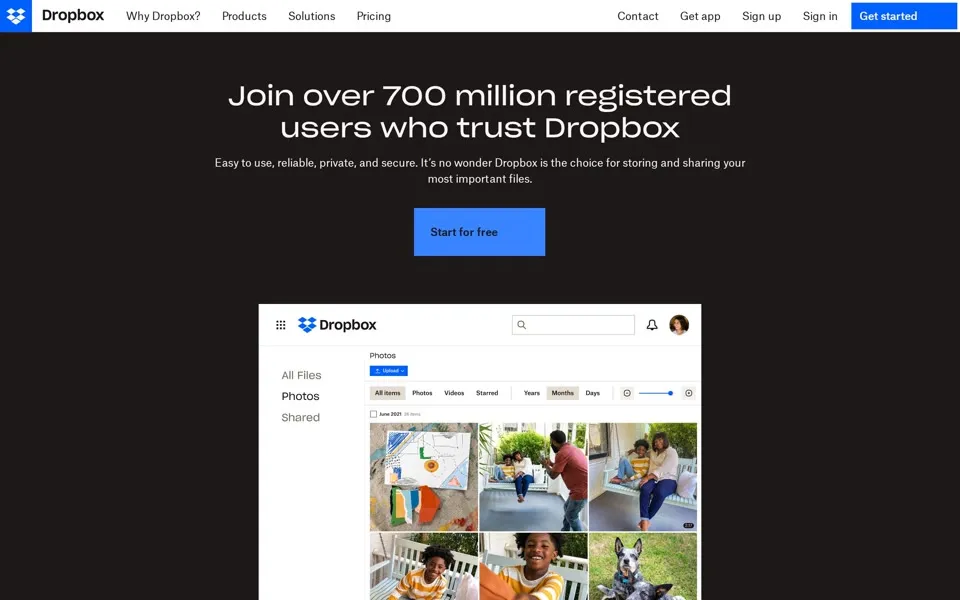
In our December 2022 capture the homepage goes dark. White letters on a near-black page say Join over 700 million registered users who trust Dropbox
, above a Start for free
button and a screenshot of the app full of photos. The tab now reads Dropbox.com
, and the logo in the top left sits in a solid blue square. Further down the page makes a promise about data: Your files, not ours
, we’re not reselling your data
.
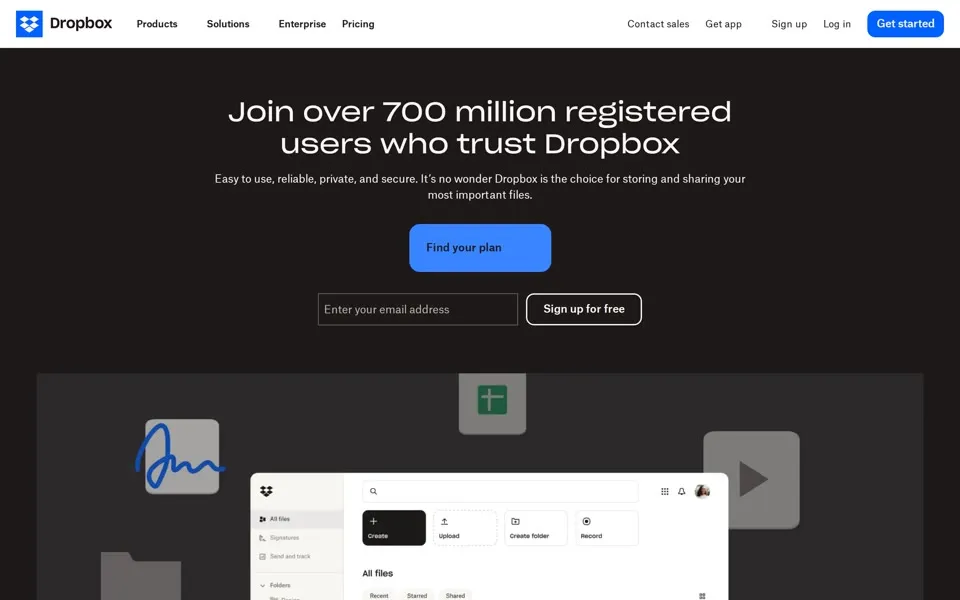
Join over 700 million registered usersis the headline of our December 2022, June 2023 and June 2024 captures. Dropbox reported more than 500 million in February 2018.
The menu is where the company grows. In 2022 the code of the Products menu lists Dropbox Sign, DocSend, Capture and Backup. Below the hero, the June 2023 page shows a grid of products, among them Transfer, for files up to 100 GB
, and Passwords, which promises to Automatically store unlimited passwords in one central, secure place
.
That same June, Dropbox introduced Dash, an AI-powered universal search that connects all of your tools, content, and apps in a single search bar
.[11] The June 2024 code lists Dash (beta)
in the closed Products menu, and the page shows a section titled Shortcut your workday with Dropbox Dash
. The headline stays the same, with an e-mail field added under it.
2025 – 2026 AI is coming to Dropbox
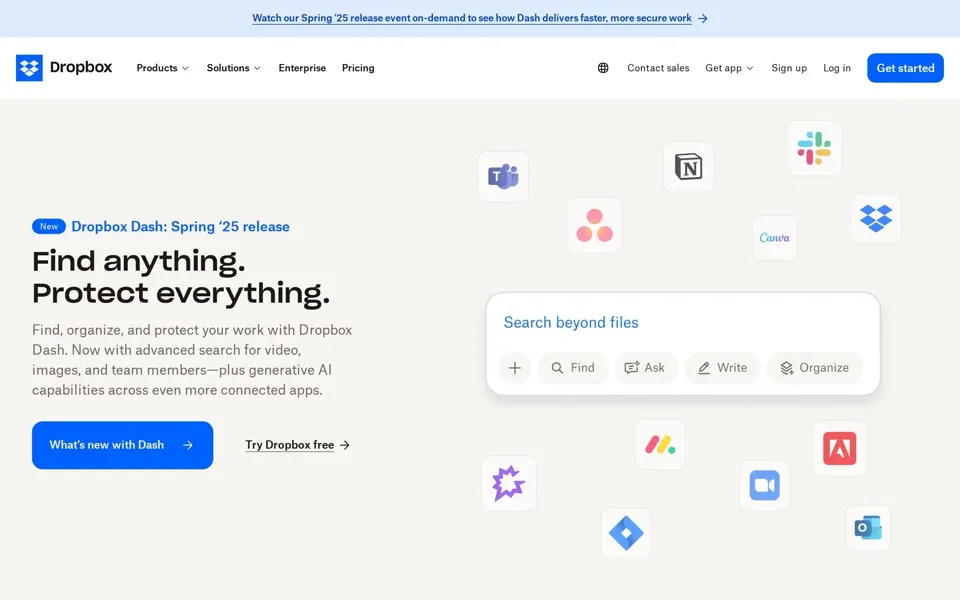
In June 2025 the page is light again and the counter is gone from the top. A small blue tag reads Dropbox Dash: Spring ‘25 release
, and the headline says Find anything. Protect everything.
Around a search bar labeled Search beyond files
float the icons of other companies’ apps. The code of the closed Products menu now lists Reclaim.ai, Schedule habits, tasks, and meetings with AI
.
Below the first screens, the 2025 and 2026 stills have long blank stretches where parts of the page did not render in our captures.
In October 2025 Dropbox released a new Dash that teams could set up in minutes
, with no sales or IT required
.[12]
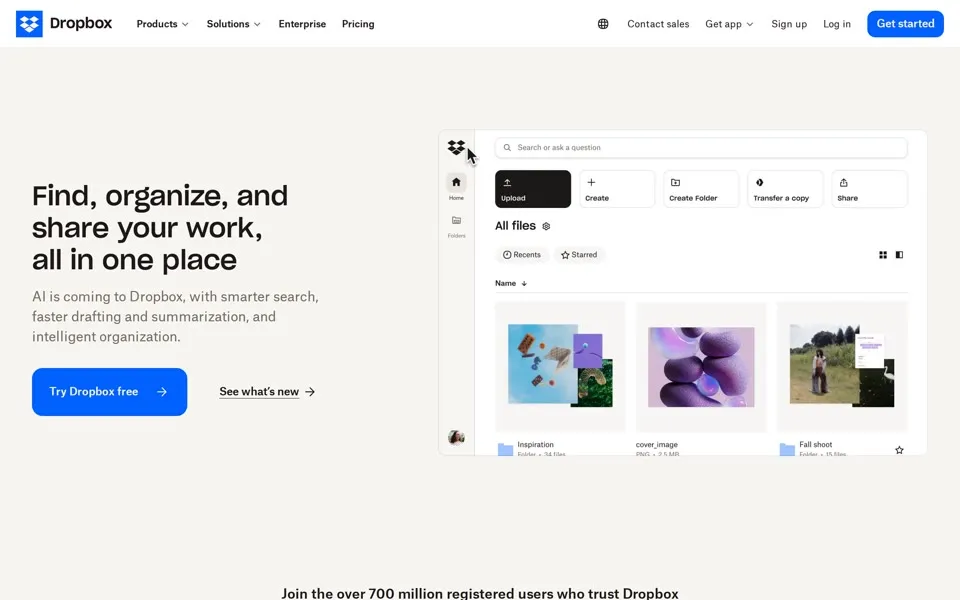
The June 2026 headline is Find, organize, and share your work, all in one place
, the third headline in our captures to end with all in one place
, after 2020 and 2021. The line under it says AI is coming to Dropbox, with smarter search, faster drafting and summarization, and intelligent organization.
The 700 million line is still there, lower down, over the logos of McLaren, Cirque du Soleil, Hydro Flask and others. The code of the Products menu also lists a technology much older than Dropbox: Fax
, Receive and send faxes from anywhere
.
2008 → 2026 From USB drives to fax
In February 2008 the homepage had two sentences of pitch and one promise: No more e-mail attachments or USB drives. It just works.
The product was a single folder, and the site was still waiting for launch on getdropbox.com.
In June 2026 the homepage at dropbox.com talks about AI search, drafting and summaries, and the code of its closed Products menu lists tools for eSignatures, video review, scheduling and fax. When we checked on October 9, 2026, the pricing page still listed a free Basic plan with 2 GB.[13]
- When was the oldest Dropbox homepage in this story archived?
- The oldest capture here is from March 9, 2007, in the Internet Archive's Wayback Machine. getdropbox.com in March 2007: one paragraph, “We haven't launched yet”, and an e-mail box for news of the launch.
- What does the dropbox.com homepage look like in 2026?
- In the newest capture here (June 15, 2026): Dropbox.com in June 2026: “Find, organize, and share your work, all in one place” and “AI is coming to Dropbox”.
- How many Dropbox homepage captures does this story show?
- 20 captures between 2007 and 2026, at most one per year; the timeline above shows which years are included.
- What was Dropbox’s homepage address before dropbox.com?
- getdropbox.com. Our 2007 and 2008 captures are from getdropbox.com; TechCrunch reported in October 2009 that Dropbox had acquired dropbox.com, which still redirected to GetDropbox.com (reported).
- What company name is in the 2008 Dropbox footer?
- “© 2007-2008 Evenflow Inc.” Dropbox’s S-1 says the company was incorporated in May 2007 as Evenflow, Inc. and changed its name to Dropbox, Inc. in October 2009.
- When did the Dropbox homepage show a Watch a Video button?
- In our captures from December 2009 to June 2012, a large play button labeled “Watch a Video” sits in the middle of the homepage.
- How did the Dropbox logo change on its homepage?
- The logo evolution below shows 6 logo versions we picked from the captures, from 2007, 2009, 2013, 2015, 2018 and 2022. Logos from before 2007, the first capture, aren't included.
 2007Faded open-box icon and grey wordmark, pre-launch
 2009Glossy blue open box with a dark gradient wordmark
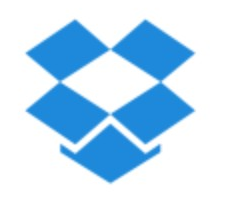 2013The wordmark disappears: a flat blue box icon alone
 2015Flat blue box with a flat blue wordmark
 2018New geometric icon of diamonds and a black wordmark (Oct 2017 rebrand)
 2022Icon moves into a solid blue square
Each logo is cut from that year's homepage capture (the year is the capture's); click one to see it on the page. Logos from before the first capture (2007) aren't shown, and some are missing where the logo images don't render in our captures. More logo histories.
◀ drag ▶20072026
The oldest capture in this story (2007) over the newest (2026). Drag across the picture.
Which homepage should we open next?
Tell us on the PageRewind YouTube channel, and subscribe for more histories of the pages we used to visit.
 Github.com, 2008–2026From “no longer a pain in the ass” to “developers, agents, and code”
Sources
Each screenshot links to its dated Wayback capture. Observations about layouts and wording refer to those screenshots; lines read from a page’s code (menus, forms and messages that are closed or hidden in the screenshot) are identified as such. External history uses the sources below. One capture per year; most are from mid-June.
- Dropbox Blog · Dropbox launches to the public: South Station, “I had forgotten my USB drive at home”, “nearly 200,000 people signed up for the waiting list”, “the free 2GB accounts will always be free”; September 11, 2008. Read source ↗
- Dropbox, Inc. Form S-1 (SEC) · “incorporated in May 2007 as Evenflow, Inc. … changed our name to Dropbox, Inc. in October 2009”; “more than 500 million registered users across 180 countries”; February 23, 2018. Read source ↗
- TechCrunch · Dropbox acquires the domain everyone thought it had: Dropbox.com, “Right now the URL redirects to GetDropbox.com”; October 13, 2009. Read source ↗
- TechCrunch · Eric Ries, “How DropBox Started As A Minimal Viable Product”, quoting Drew Houston on the demo video; October 19, 2011. Read source ↗
- Dropbox Blog · Yesterday’s authentication bug: code update at 1:54pm Pacific, fix live at 5:46pm, “much less than 1 percent” of users logged in; June 20, 2011. Read source ↗
- Dropbox Blog · Dropquest: “a magical scavenger hunt that sent our users across Dropbox and the interwebs in order to win 1GB of space”, “we won't make any steps that require a printer”; January 25, 2011. Read source ↗
- Dropbox Blog · Dropquest II: the future is now, grand prize including “100 GB for life”; May 2, 2012. Read source ↗
- Dropbox Blog · 400 million users: “Today, 400 million people around the world are using Dropbox”; June 24, 2015. Read source ↗
- Dropbox Investor Relations · Dropbox unveils colorful new look and global brand campaign: “the biggest change to the Dropbox look in our 10-year history”; October 3, 2017. Read source ↗
- TechCrunch · Dropbox brand update streamlines its logo and takes aim at creatives: colored pencil drawings by Jon Ying; October 3, 2017. Read source ↗
- Dropbox Blog · Introducing AI-powered tools: Dropbox Dash and Dropbox AI; June 21, 2023. Read source ↗
- Dropbox Blog · Fall 2025 release: Dropbox Dash, “no sales or IT required”; October 23, 2025. Read source ↗
- Dropbox · Plans page: “Basic Free 2 GB to store and share your files”; read October 9, 2026. Read source ↗
We selected one homepage capture of Dropbox for every year from 2007 to 2026, 20 in all, most of them from mid-June. For 2007 and 2008 we used getdropbox.com, because dropbox.com was then a parked page of ads; 2009 is from December, after the reported acquisition of the domain. We selected March 2021 and December 2022; several other captures we checked from those years returned HTTP error pages.
Each preview is the first screen of a 1440-pixel-wide still; click it for the captured page and its Wayback link. The browser frames are illustrations of the eras. The 2021 and 2022 captures rendered without their scripts, and parts of the 2025 and 2026 pages below the first screen did not render. We hid the Wayback toolbar.
PageRewind is independent and is not affiliated with Dropbox. Screenshots and trademarks appear for historical commentary; archived pages are provided by the Internet Archive.
 Stack Overflow homepage history
 WordPress.com homepage history